 Materium
Find a starting point when the tag is missing
Use visible texture and construction to explore the material family and decide what to check next.
AI material scanner for iPhone
Point your camera and find out.
Materium is an AI material scanner for iPhone. Explore fabrics with missing tags, look closer at leather, and make sense of recycling numbers before you list or buy.
For secondhand sellers
A missing tag does not have to end your research. Photograph the fabric, inspect the construction and keep a material assessment alongside your listing notes. Useful for Vinted, eBay, Depop and thrift finds.
Build a better-informed listing ↗Start with the whole object, then capture its surface, edges and any readable label in even light.
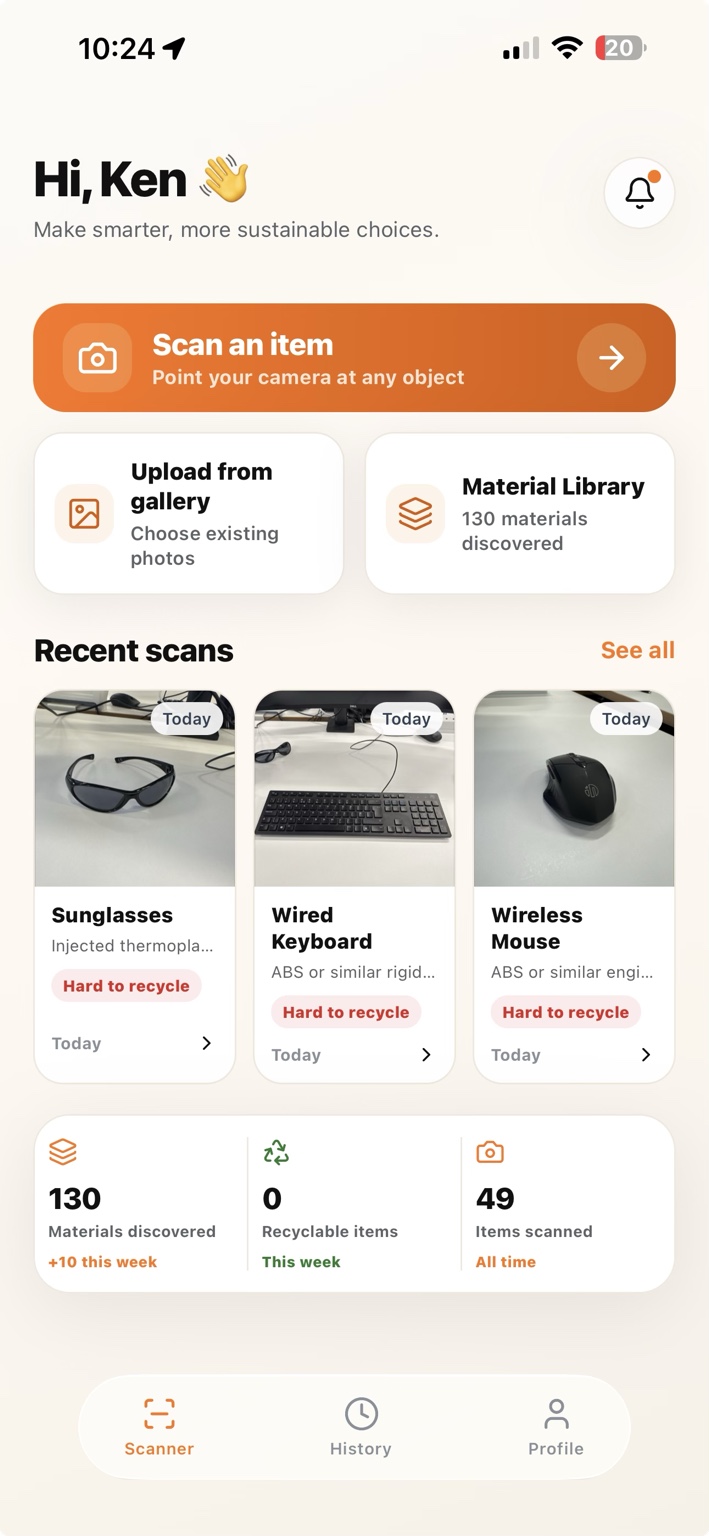
Explore likely materials, visible observations and material context together in one structured report.
Compare the result with product information, save the scan and return to it when you list or buy.
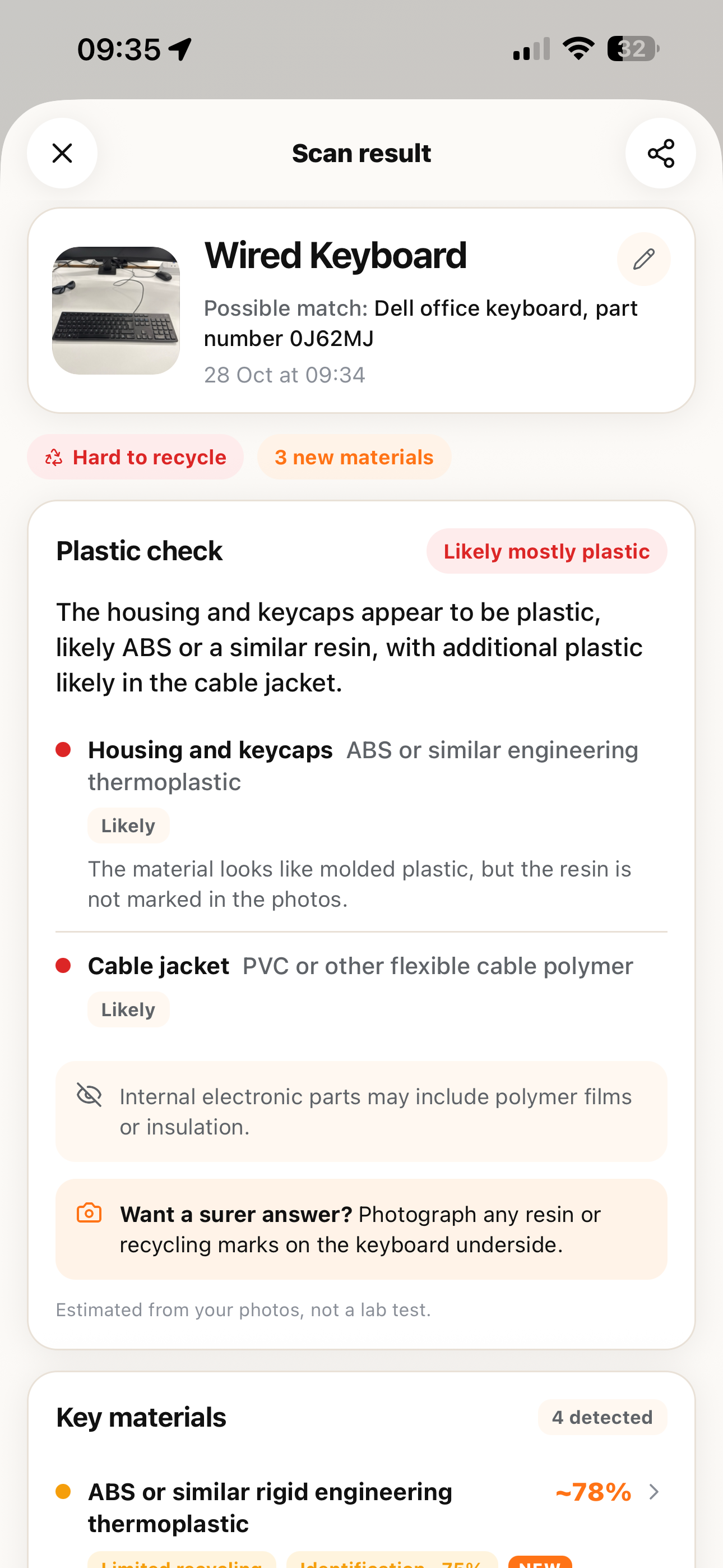
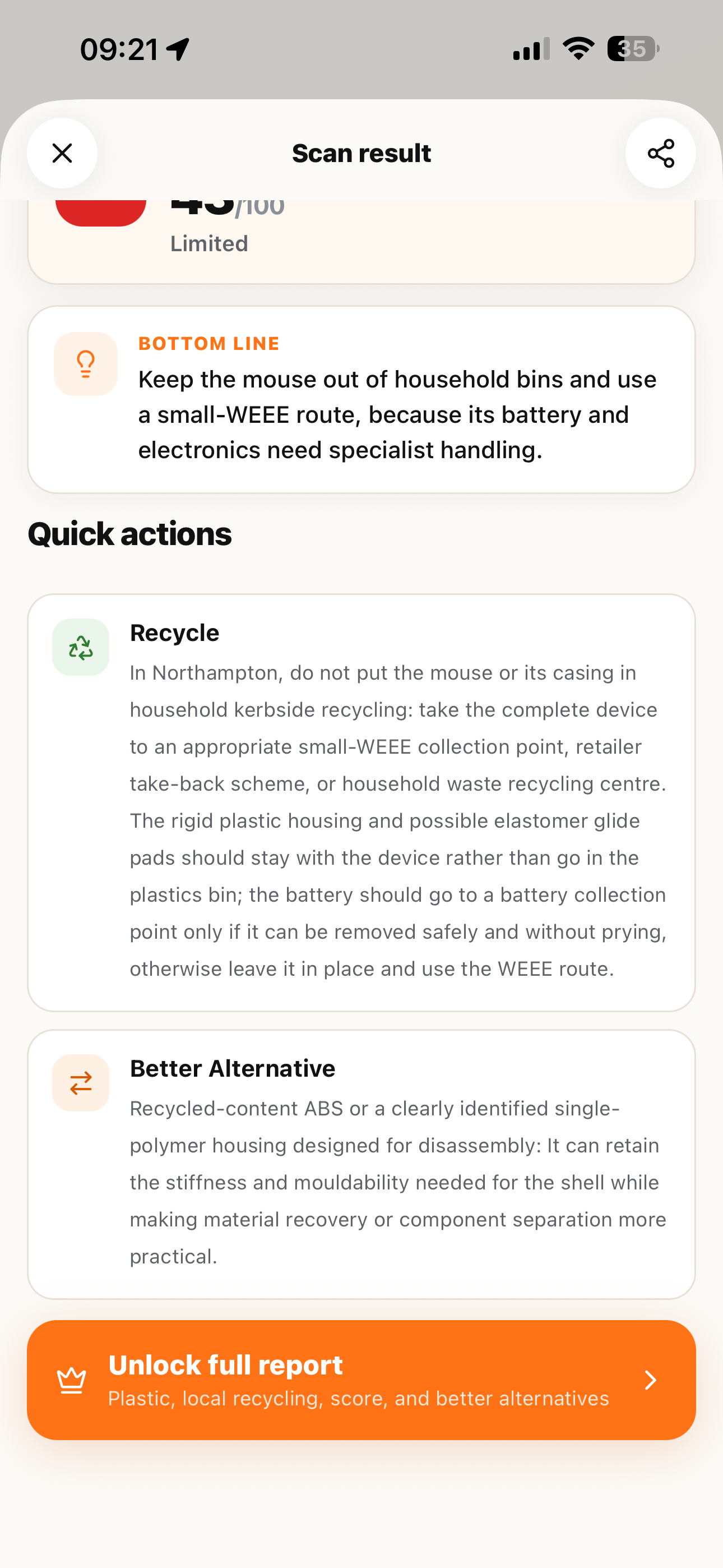
Photograph an everyday object and explore the materials behind its surface. Materium brings the photo, material insights and next steps together in one report.
 View full screenshot ↗
Use visible texture and construction to explore the material family and decide what to check next.
Read material properties and observations together so your next question is more specific.
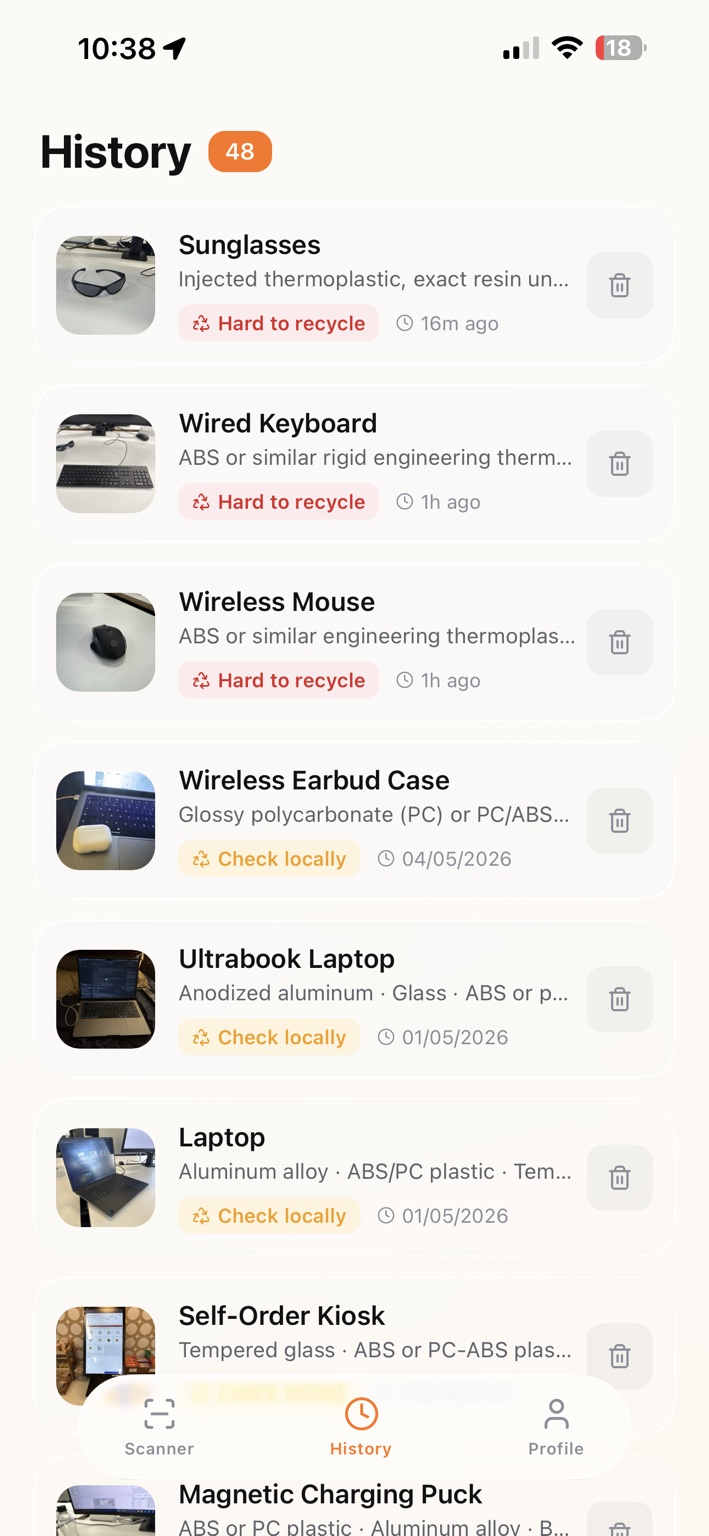
Return to saved scans when you prepare another listing, compare a find or build a personal collection.
Connect material names and packaging codes with guidance for the actual item and your local collection.
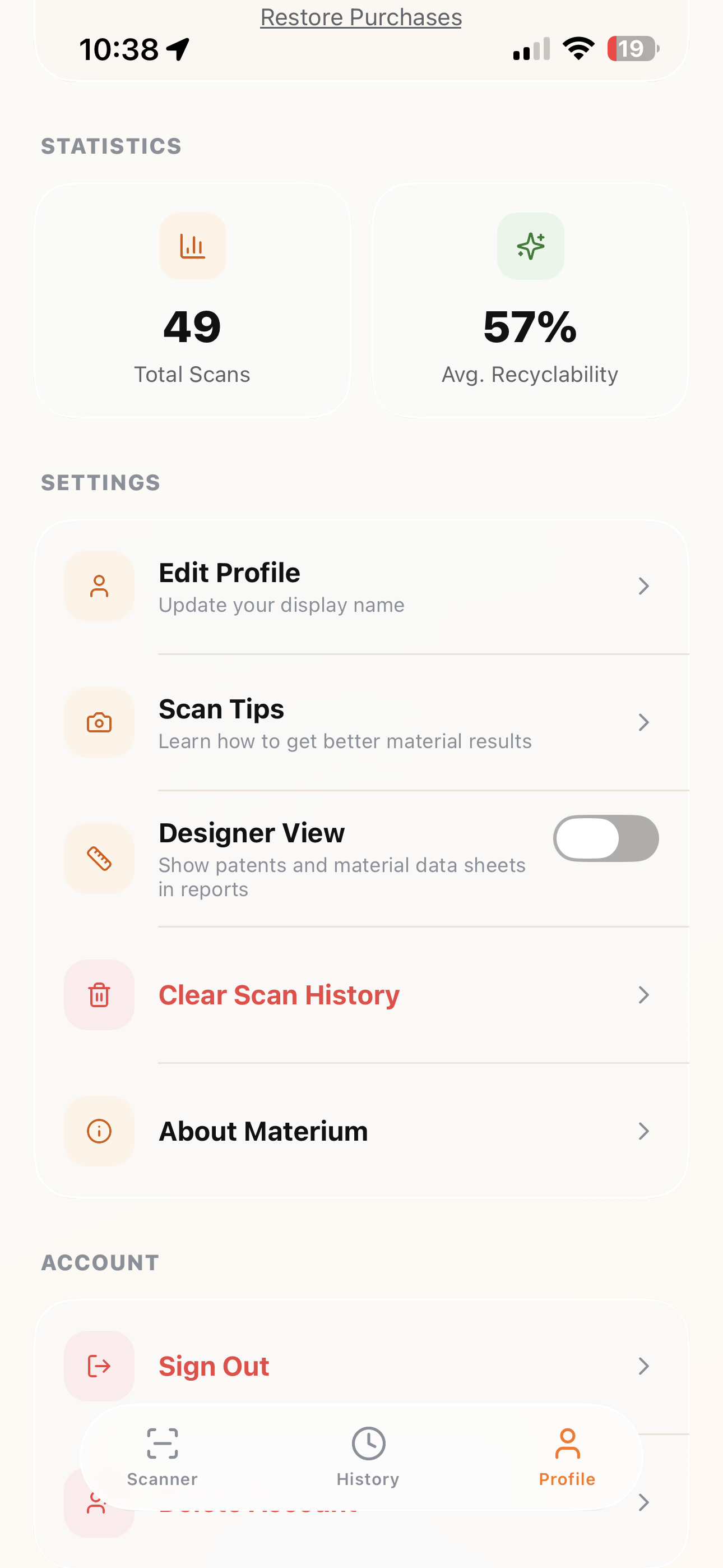
Explore material reports, revisit your scan history and make Materium your own.
Investigate fabrics and surfaces before describing a secondhand find.
Connect the materials you encounter with useful concepts and references.
Follow a question about an everyday object and keep what you learn.
Collect visual material references and focused questions for product research.
Try a practical guide, compare tools or browse the material reference. Each guide starts with observations you can make yourself.
Materium uses visible patterns, surface finish, construction and object context to suggest likely materials. Use the observations and assessment together, then check labels or manufacturer information for exact composition.
Materium helps you explore leather appearance and record jewellery clues. Photos alone do not establish precious-metal purity or authenticity. Pair the assessment with product documents, hallmark information or a suitable professional assessment.
It can provide a useful starting point from the fabric's visible structure and context. For a resale listing, keep documented fibre percentages separate from an AI estimate and describe uncertain composition clearly.
Material and recycling context can help you ask the right question. Confirm that your local collector accepts the actual item, including its format, coatings and separate components.
Yes. Photos you choose to analyse are sent for online processing. Read the privacy policy for information about data use and choose photos you are comfortable submitting.
Start with a photo. Explore the material. Keep a reference you can return to.