 Materium
Material comparisons
Glass vs acrylic: a practical guide to clear materials
Explore glass and acrylic using product context, visible features and manufacturer information.
Read as Markdown ↗Glass and acrylic can share a clear appearance. Compare the product specification with visible details such as its edge, finish and construction to build a useful material identification.
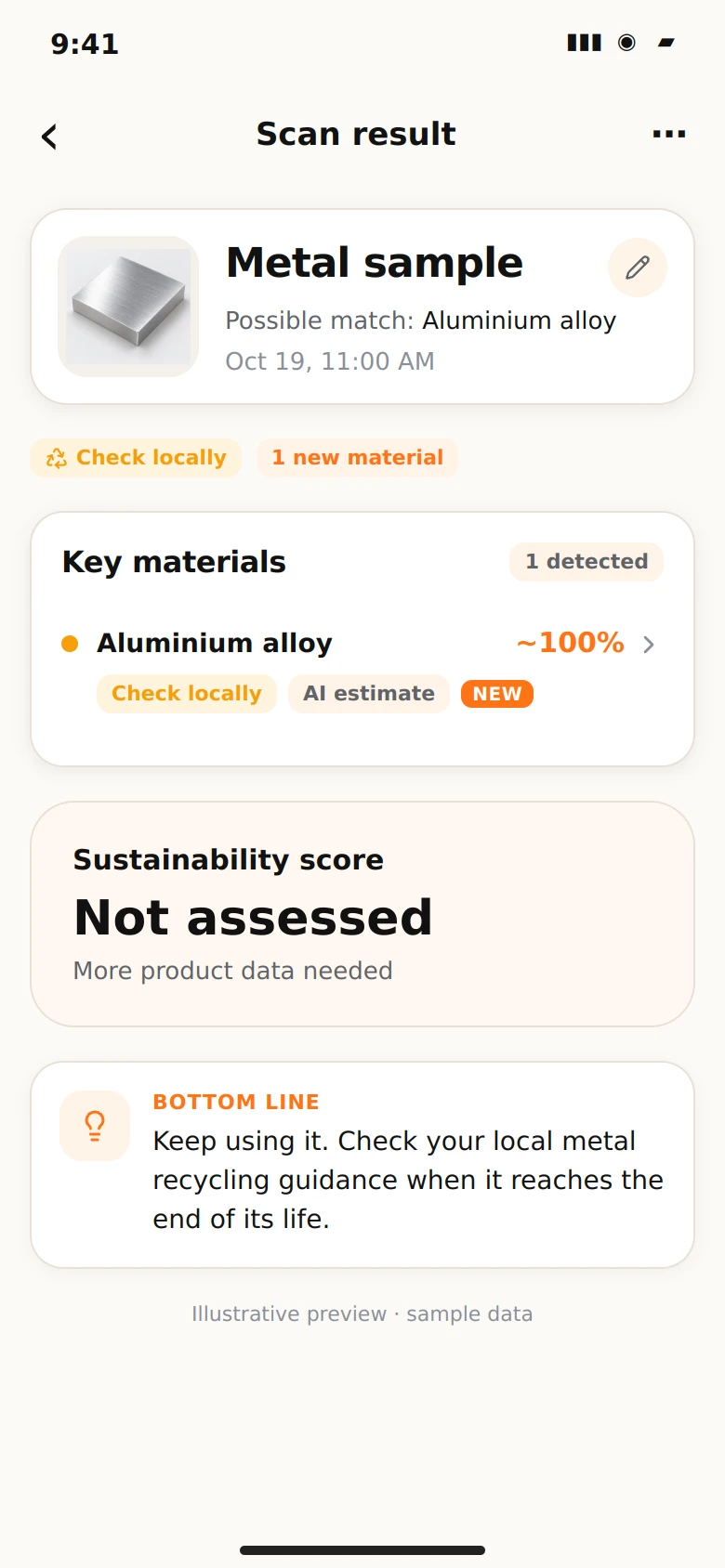
Start with the product information
A frame, cover or panel may have a model number, original listing or order record. Use that information to find the specification for the actual item.
Acrylic sheet is a plastic material. ACRYLITE’s manufacturer reference describes it as lighter than equivalent-size, equivalent-thickness glass sheet. That comparison is helpful when the dimensions and construction are comparable.
Photograph the useful details
Take a whole-object view and, where readily accessible, a view of the edge or label. Move the camera to reduce reflections and retain the shape and finish of the surface.
Materium uses visual patterns and construction cues to explore the likely material. Read the assessment with the product’s context, especially for coated or layered items.
Match the evidence to your purpose
For a learning collection, save the scan and keep the specification or maker’s description with your notes. This helps you compare how similar-looking materials appear in different products.
For installed glazing or a replacement part with specific performance requirements, use the supplier’s specification. Work with existing views and documentation so the comparison stays useful without altering the item.
Explore how Materium analyses patterns and material context, including the role of different information layers in a material investigation.
Sources and further reading
Sources checked 2026-10-19. Regional guidance is identified by location, with industry and supplier references labelled.
Published by Materium with AI assistance. Read our source and editorial approach.